
User guide: changing your LSB Online password
How to change your LSB Online password
How to change your LSB Online password and what to do if you no longer have access to your email address to receive a new password.
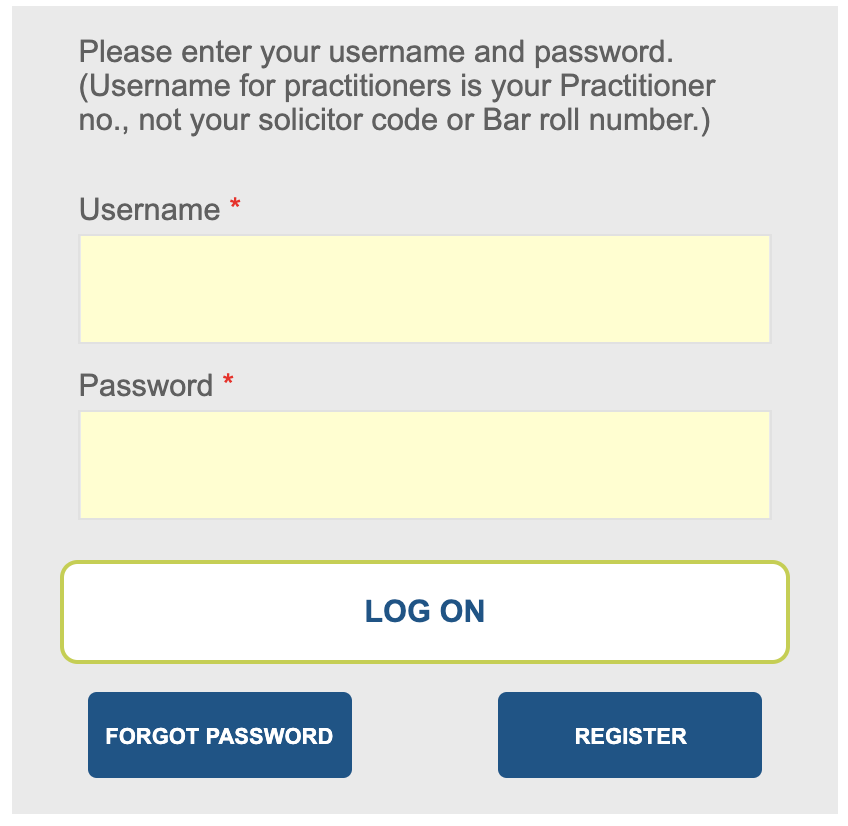
Enter your log-in details
Your username is your practitioner number [P1234567] which you can find on your current certificate
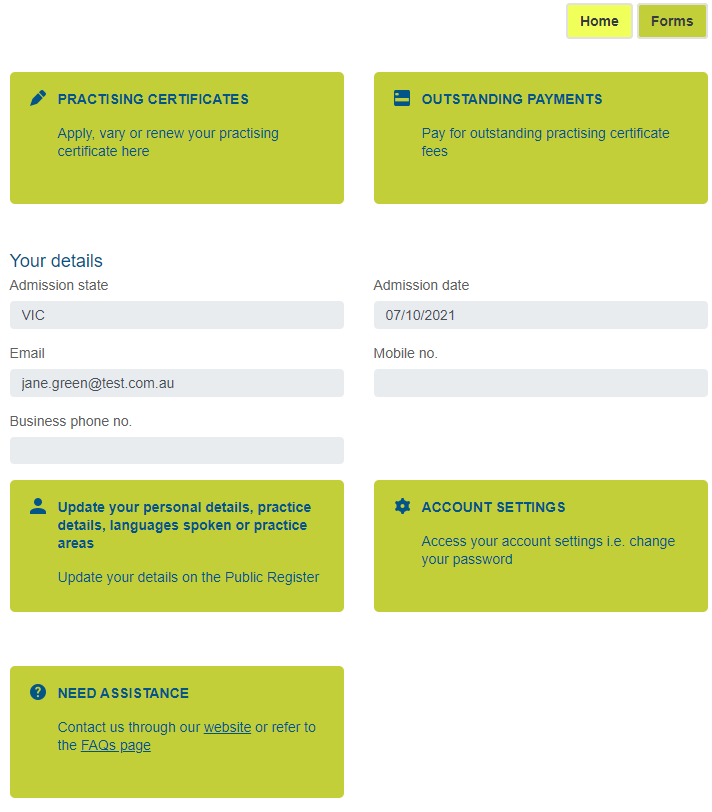
On the home screen, select ‘Account settings’ from the menu
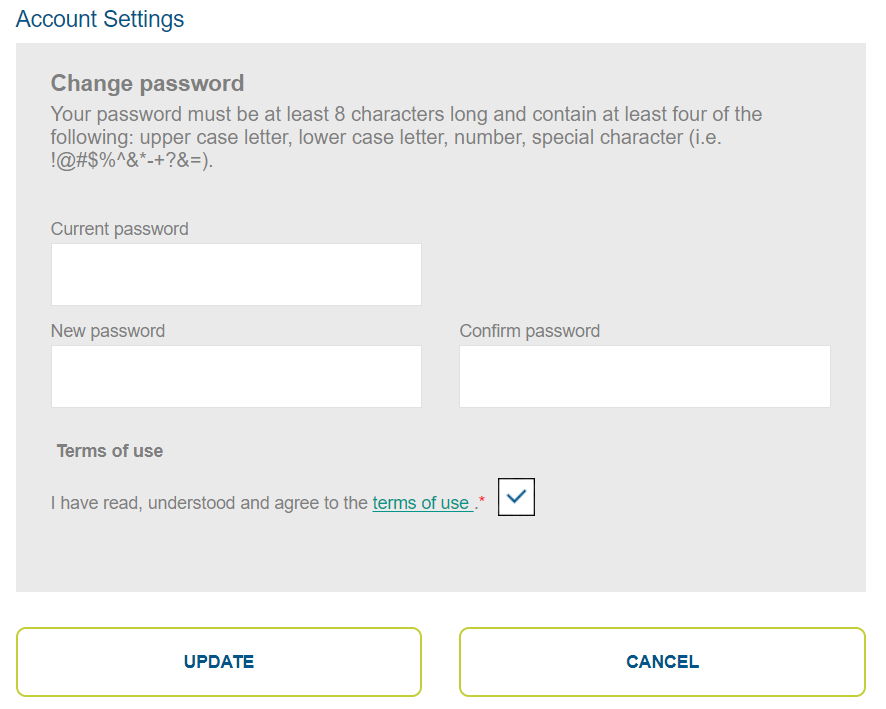
Enter your current password
Enter and confirm your new password
Click ‘Update’
Last updated on